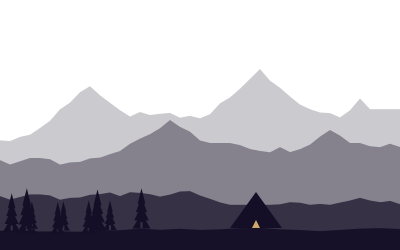
Removing color forces a photograph to work on shape, texture, tone and light alone. Many landscape photographers started in the darkroom with black-and-white film; the craft translates directly to digital.
Scenes that work
- Strong light and shadow: side-lit canyons, dunes, mountains.
- Texture: weathered wood, bark, rock, ice.
- Dramatic skies: storm clouds over open land.
- Fog and snow: minimal, high-key compositions.
- Midday light, which is often too harsh for color, can be excellent in black and white.
Scenes whose impact depends on color — autumn foliage, a red sunset — rarely convert well.
Seeing in tones
Colors with similar brightness turn the same gray. Red and green, for example, can merge into one flat tone. Set your camera to a monochrome picture style (while shooting RAW) to preview tones on the screen, and squint to judge contrast.
Color filters (digital and glass)
In film days, colored filters controlled tonal separation. The same effect happens in conversion sliders:
- Yellow: slightly darker sky, natural look.
- Orange: darker sky, brighter skin and rock — a landscape favorite.
- Red: very dark, dramatic skies; can make shadows inky.
- Green: lighter foliage, good for forests.
A polarizer still helps: it darkens blue sky and cuts glare before conversion.
Converting
- Start from a well-exposed RAW file.
- Convert with a channel mixer or B&W panel and adjust color channels for separation.
- Set white and black points — most strong prints have a true black and a clean white.
- Use local dodging and burning to guide the eye, just as in the darkroom.
- Add contrast with curves, gently.
Printing
Black-and-white prints reward matte fine-art papers and careful tonal control. Make a test strip of small prints before committing to a large one.
About 1 min read · Updated 2026-10-20